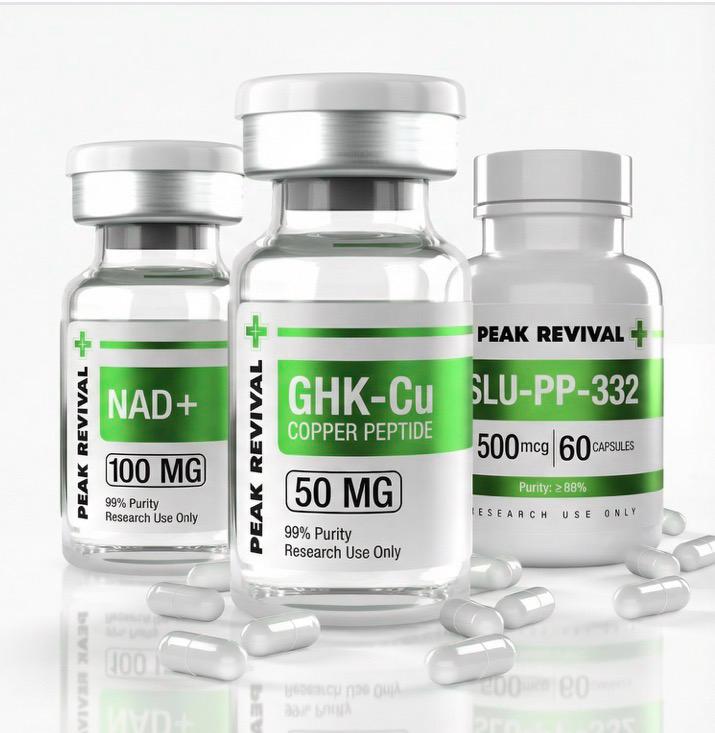

How do I place an order?
Step-by-step guide to ordering research peptides from Peak Revival Plus
Placing Your Order
-
Browse Products: Navigate to our Products page to view our full catalog of research peptides.
-
Select Product & Variant: Choose your desired product and select the appropriate dosage/size variant.
-
Add to Cart: Click "Add to Cart" to add items to your shopping cart.
-
Review Cart: Click the cart icon to review your items. You can adjust quantities here.
-
Proceed to Checkout: Click "Proceed to Checkout" when ready.
-
Enter Shipping Info: Fill in your shipping address (US addresses only).
-
Apply Discount Code: If you have a discount code, enter it in the discount field.
-
Complete Payment: Select your payment method and complete the transaction.
-
Confirmation: You'll receive an order confirmation email with your order number.
Note: All orders require age verification (21+ in NY/NJ, 18+ elsewhere) and acknowledgment that products are for research purposes only.